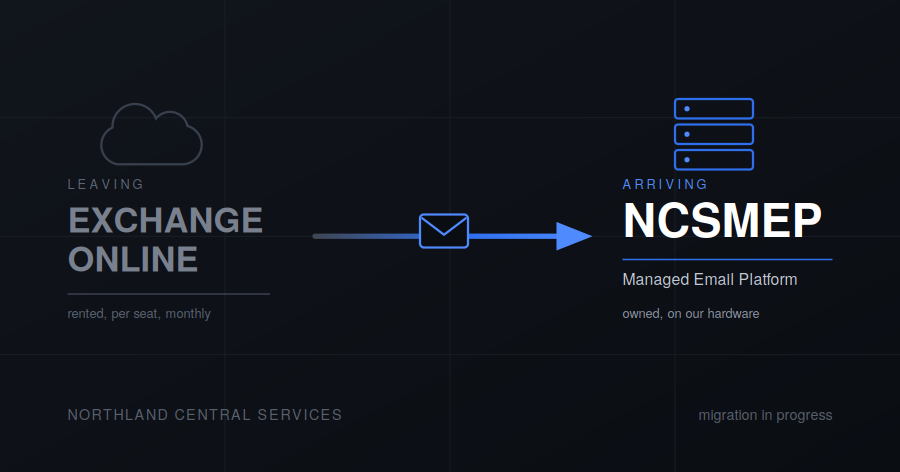
Where the move from Exchange Online to NCSMEP actually stands, and what happens on your device when your turn comes.
Where we are
Site A — done. Fully migrated.
Site B — mostly done. Will finish today
Sites C, F and G — this week. That’s the current push.
The one thing you need to do first
Set up NCSMFA before your migration slot. This isn’t optional and it isn’t a suggestion — NCSMEP sits behind that login, so an account that hasn’t enrolled a second factor can’t be migrated. If yours isn’t set up, sort it now rather than on the day.
If you’re not sure whether you’ve done it, you have: you’d remember the setup wizard and the authenticator app. If none of that rings a bell, ask.
That’s the entire list of things asked of you. Everything below happens to your device rather than being something you have to do.
What happens on your device
For anyone managed through our MDM, the sequence is automatic and it goes like this.
1. Outlook is removed. The management system pulls it off your device. This will happen without you pressing anything, and an app vanishing from your phone is exactly the sort of thing that makes people think they’ve been hacked. You haven’t. It’s us, it’s expected, and it’s the first step rather than a malfunction.
2. A configuration profile is pushed. Right behind it, your device receives a profile that sets up the built-in mail app against the new server.
3. Your mail comes back, at the same address. Same address you’ve always had, same messages arriving, different app and a different server behind it. You don’t need to type any settings, generate an app password, or know what IMAP is.
There is a gap between steps one and two where you have no mail on that device. It’s short. If it’s still empty an hour later, that’s worth reporting.
Not currently managed by MDM? You’ll be enrolled as part of the same visit. It’s one step added to the process rather than a separate project, and it’s what makes the rest of it hands-off for you.
Your old mail
Moving existing mailbox history out of Exchange and into NCSMEP is being handled case by case rather than as a blanket operation.
Some mailboxes are worth moving in full. Some are a decade of newsletters and a handful of messages that matter. Some people would rather start clean. Rather than guess, we’re deciding individually — so if you have a view on what should come across, say so before your slot rather than after.
Calendars and contacts work the same way.
Why we’re doing this, briefly
The full argument is on the NCSMEP page and there’s no need to read it twice. The short version:
We were paying per person, every month, indefinitely, to rent something we already had the hardware to run. Microsoft kept moving features between subscription tiers on their schedule. And every other service we run had already moved onto our own infrastructure and behind one login — Microsoft 365 was the last piece answering to somebody else, which meant maintaining two of everything.
Problems
Open a ticket at ncshds.northlandcentral.org, email support@ncsmx.org, or call (210) 904-8005.
If mail stops arriving after your migration, or something looks configured wrong, report it rather than fixing it yourself — a hand-configured account on top of a pushed profile tends to produce two half-working accounts instead of one working one.