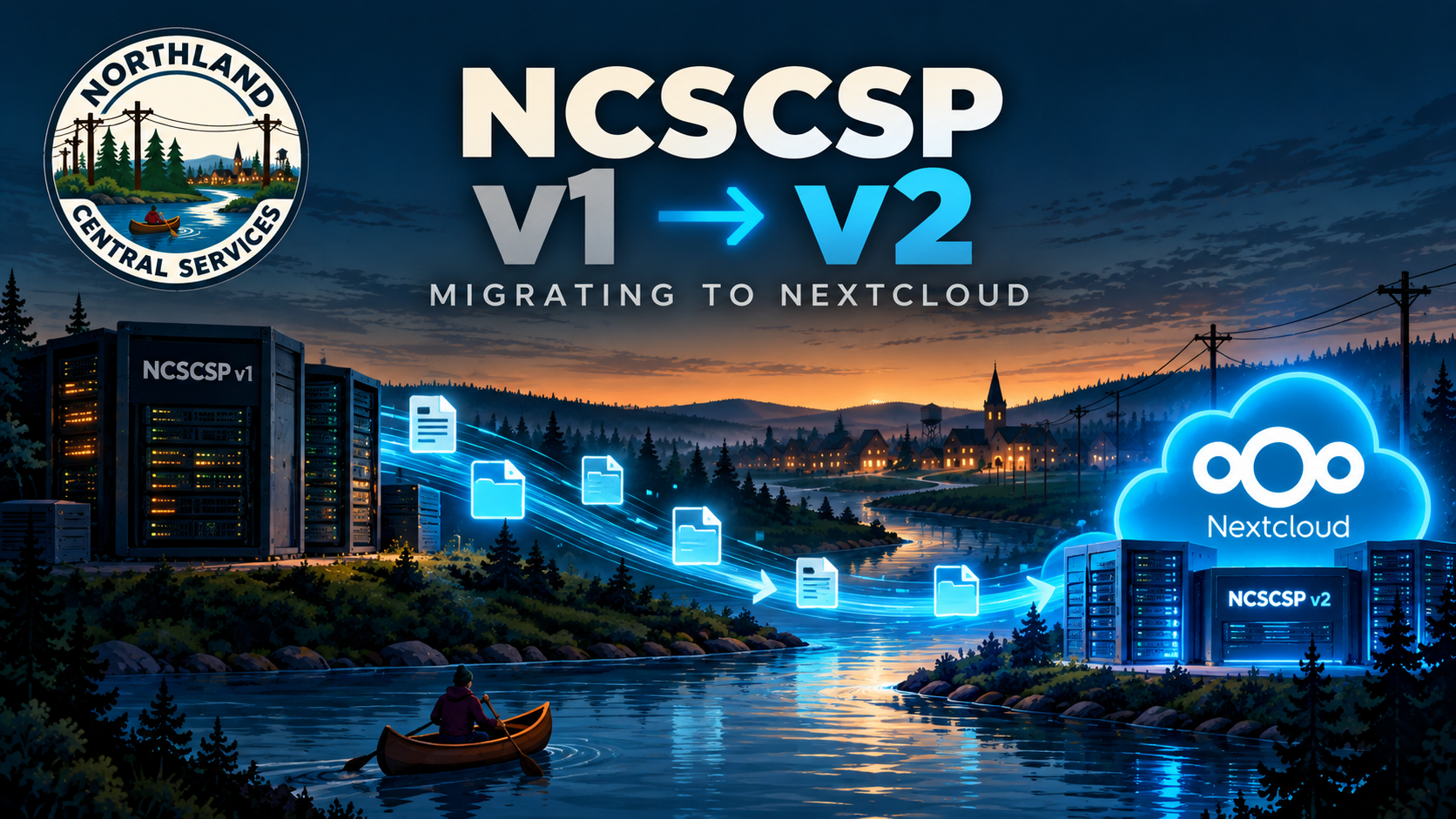
NCSCSP (the Centralized Storage Platform, a.k.a. Nextcloud, a.k.a. where your files, calendar, contacts and Talk live) is being replaced with a new system. Same software and same purpose. The address is new, the sign-in is new, and there are a couple of features that were never possible on the old one.
Here’s what’s changing, why, and what’s going to be asked of you.
Why rebuild instead of upgrade
The current system has been upgraded in place through several major versions, and it’s carrying every workaround and fix applied along the way. It works. It’s also the sort of “works” where nobody wants to be the one who touches it next.
Adding the features below to that foundation would have meant piling more onto something already overloaded. Building it clean costs one disruptive week. Not building it clean costs a slow, steady tax on every upgrade after this one.
New address
NCSCSP is moving from ncscsp.ncsmosiac.com to ncscsp.northlandcentral.org.
It’s joining NCSMFA, NCSVDI, NCSPAS and the help desk on northlandcentral.org, which is where the services belong. ncsmosiac.com is the website. That’s a boring reason, and boring is exactly what you want from infrastructure.
That means:
- Bookmarks need updating.
- The desktop sync client and the phone app need the new server address. See “What you’ll need to do” below.
- Share links you’ve sent to other people point at the old address.
Sign-in moves to NCSMFA
Until now, NCSCSP checked your username and password directly against the directory. Same NCSCAS credentials you use everywhere, but typed straight into Nextcloud’s own login box, with no second factor involved at all, by default.
That’s the part that’s changing. NCSCSP now signs in the same way as everything else: through NCSMFA, with your second factor.
When you open the login page, click the NCSMFA button. Don’t type your password into the username and password boxes. That’s the old way, and it won’t work anymore. You’ll be sent to ncsmfa.northlandcentral.org, sign in there as usual, and land back in NCSCSP already logged in.
Why this matters: the old setup meant a leaked password was enough to get into your files, your calendar and your Talk history. Everything else we run required the second factor, so the place holding your documents was the one door with a single lock on it. It now has two, like everything else.
There’s a quieter benefit too. NCSCSP never sees your password anymore. It only gets told by NCSMFA that you are who you say you are. That leaves one less system holding your credentials and one less place for them to leak from.
The apps handle this fine. The desktop client and the phone app open a browser window when you add the account, you sign in through NCSMFA there, and the app takes over from that point. You won’t have to do it again unless you remove the account.
Calendar and contact apps are the exception. Anything that syncs calendars or contacts directly (DAVx5 on Android, the built-in calendar on a Mac, Thunderbird) can’t handle a browser sign-in. Those need an app password, which you generate in NCSCSP under Settings → Security → Devices & sessions. Make one per device and give it a name, and when a device is lost you can revoke exactly one thing.
If you’re on an iPhone or iPad with a managed profile, this is done for you.
Talk gets the high-performance backend
Talk calls currently run peer-to-peer, meaning every person on a call streams directly to every other person. For two or three people that’s fine. By the fourth or fifth, every phone and laptop on the call is uploading multiple video streams at once, and the call falls apart. Anyone who’s been on a larger Talk call has already noticed.
The high-performance backend sits in the middle and handles the distribution, so each person sends one stream and the server takes care of the rest. In practice: larger calls that actually hold together, less strain on your phone battery, and fewer calls dropping when someone’s connection wobbles.
It also unlocks two other things.
Calls on NCSIRMS. The NCSIRMS messaging page says calls are waiting on “the high-performance backend being finished and properly tested.” This is that backend. The bridge that gives NCSIRMS a call button, running through our own hardware rather than someone else’s, comes after this is stable. Not immediately, but it’s no longer blocked.
Call recording. Talk can now record calls. Everyone on the call is shown that recording has started, so nobody is recorded without knowing it. The same caution from the phone page applies: some states require everyone on a call to agree to being recorded, and we have people in at least one of them. Say you’re recording before you start.
Nextcloud Office
You can now open, edit and create documents, spreadsheets and presentations directly in the browser. No Word, no Excel, nothing to install.
- Word, Excel and PowerPoint files open as they are. No conversion step required.
- Several people can edit the same file at the same time, with everyone’s cursor visible, the way Google Docs or Office online works.
- Files stay where they are. Edits save straight back into your NCSCSP storage. Nothing gets uploaded to a third party to be rendered.
This matters because Microsoft 365 is going away. Email is already moving to NCSMEP, and once those licences are gone, so is the web version of Office. This is its replacement.
The honest caveat: it’s compatible with Microsoft Office formats, not identical to Microsoft Office. Ordinary documents and spreadsheets come through fine. A heavily formatted Word template, or a spreadsheet full of macros that someone built in 2011, may not survive the trip intact. If something important looks wrong, open a ticket before you give up on it.
What happens to your files
All of your images, documents and synced information with be batch migrated from your old account to your new account upon account spin up in NCSCSP v2.
What you’ll need to do
At cutover:
- Desktop sync client. Remove the old account and add a new one using the new address. Let it sign you in through NCSMFA in the browser window it opens.
- Phone app. Same thing: remove the account, add the new address, sign in through NCSMFA.
- Calendar and contacts apps. Generate an app password and re-add the account with the new address.
- Bookmarks. Update them.
Before that, only one thing: make sure NCSMFA is set up. If you’ve never gone through the second-factor setup wizard, NCSCSP will not let you in after cutover. Sort it out now instead of on the day.
When
We are estimating that NCSCSP v2 will be fully ready for migration of users by the end of September 2026.
Problems
Open a ticket at ncshds.northlandcentral.org, email support@ncsmx.org, or call (210) 904-8005. Email works without logging in, which matters if the problem is that you can’t log in.